Dodo, iOS / Swift 的消息栏



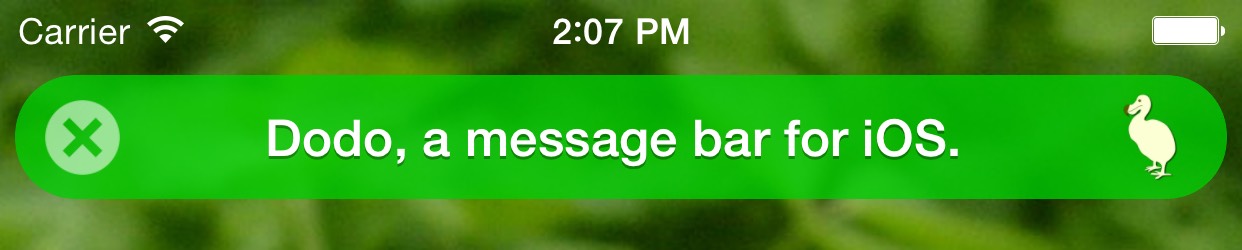
这是一个用于在 iOS 应用中显示文本消息的 UI 小部件。它对于显示短消息给用户很有用,比如:"消息已发送"、"笔记已保存"、"没有互联网连接"。
- Dodo 包含了成功、信息、警告和错误类型消息的样式。
- 栏可以有带自定义点击处理器的按钮。
- 可以自定义栏的样式。
- 您可以提供自定义动画以显示和隐藏栏,或使用默认动画预设之一。
- 支持 iOS 9+。
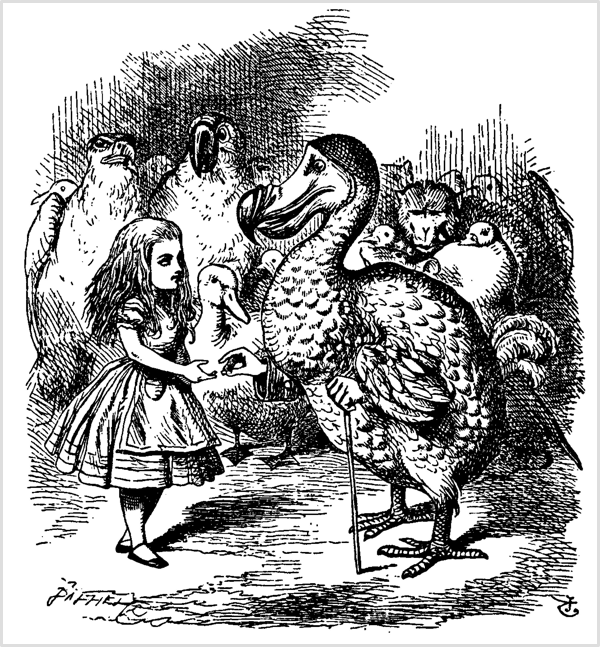
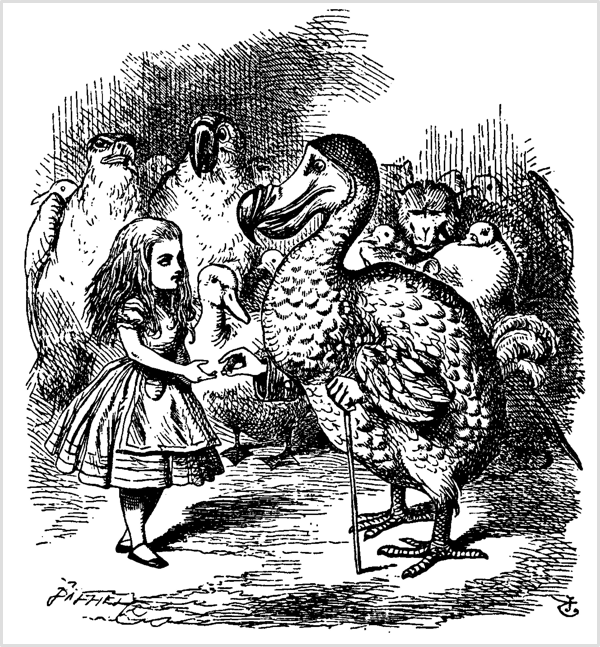
最后,Dodo 说:"每个人都赢了,所有人都有奖品。'
出自《爱丽丝梦游仙境》。原始插图作者:约翰·丁尼尔回,1865年。来源:维基媒体。

设置
您有三种方法可以将 Dodo 添加到项目中。
添加源
只需将 DodoDistrib.swift 文件添加到您的 Xcode 项目中。
使用 Carthage 进行设置
将 github "evgenyneu/Dodo" ~> 13.0 添加到您的 Cartfile,并运行 carthage update。
使用 CocoaPods 进行设置
如果您正在使用 CocoaPods,请将以下文本添加到 Podfile 中,并运行 pod install。
use_frameworks!
target 'Your target name'
pod 'Dodo', '~> 13.0'
旧版本的 Swift
如果您使用的是旧版本的 Swift,请设置库的先前版本。
使用方法
如果您使用了Carthage或CocoaPods的配置方法,请将import Dodo添加到源代码中。
Dodo是UIView类的扩展。您可以通过在UIView或其子类的任何实例中使用dodo属性来访问它。例如,它是视图控制器的view属性。
显示和隐藏消息栏
view.dodo.success("Everybody has won and all must have prizes.")
view.dodo.info("Extinction is the rule. Survival is the exception.")
view.dodo.warning("This world is but a canvas to our imagination.")
view.dodo.error("The perception of beauty is a moral test.")

view.dodo.hide()
如果在根视图中显示此栏,可能需要提供顶部或底部锚点。这将防止消息栏与状态栏或标签栏重叠。
view.dodo.topAnchor = view.safeAreaLayoutGuide.topAnchor
view.dodo.bottomAnchor = view.safeAreaLayoutGuide.bottomAnchor
view.dodo.success("I solemnly swear to avoid the notch.")
或者,您也可以从布局指南中指定锚点
view.dodo.topAnchor = topLayoutGuide.bottomAnchor
view.dodo.bottomAnchor = bottomLayoutGuide.topAnchor
view.dodo.success("I solemnly swear to avoid the notch.")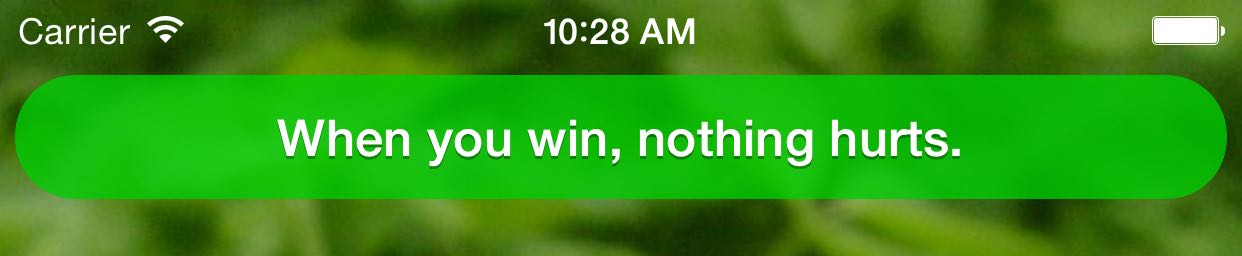
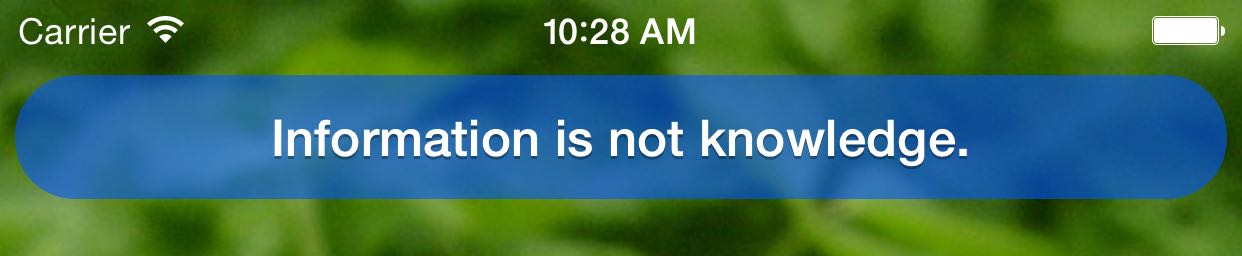
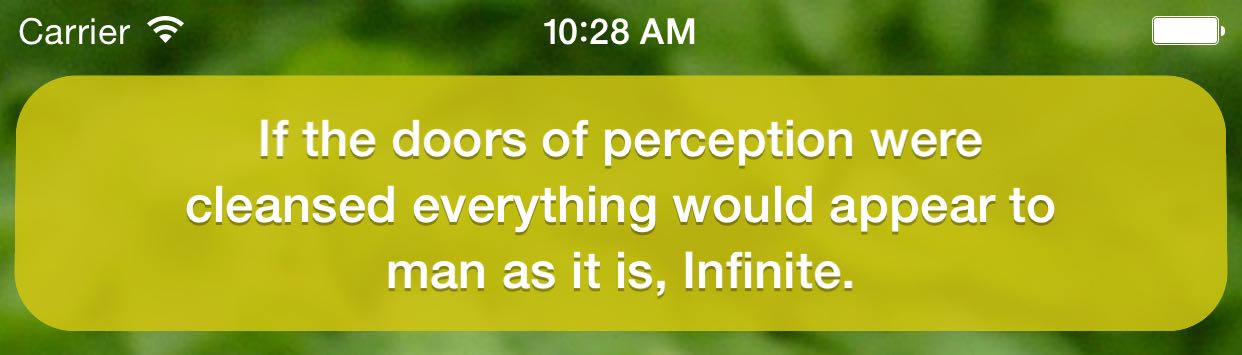
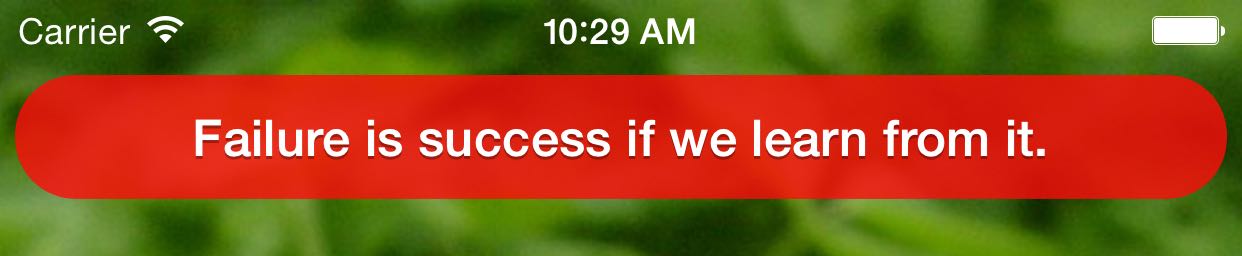
样式设置
在显示之前设置dodo.style属性来样式化消息栏。请参阅样式手册了解完整的配置选项列表。
// Set the text color
view.dodo.style.label.color = UIColor.white

// Set background color
view.dodo.style.bar.backgroundColor = DodoColor.fromHexString("#00000090")

// Close the bar after 3 seconds
view.dodo.style.bar.hideAfterDelaySeconds = 3

// Close the bar when it is tapped
view.dodo.style.bar.hideOnTap = true

// Show the bar at the bottom of the screen
view.dodo.style.bar.locationTop = false

// Do something on tap
view.dodo.style.bar.onTap = { /* Tapped on the bar */ }
添加按钮或图标
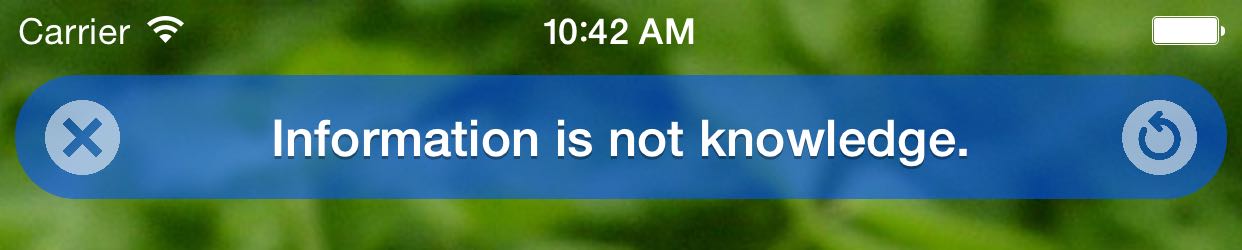
设置style.leftButton和style.rightButton属性以显示按钮或图标。与其他样式属性一样,请在消息显示之前样式化这些按钮。
// Use a built-in icon
view.dodo.style.leftButton.icon = .close

// Supply your image
view.dodo.style.leftButton.image = UIImage(named: "CloseIcon")

// Change button's image color
view.dodo.style.leftButton.tintColor = DodoColor.fromHexString("#FFFFFF90")

// Do something on tap
view.dodo.style.leftButton.onTap = { /* Button tapped */ }

// Close the bar when the button is tapped
view.dodo.style.leftButton.hideOnTap = true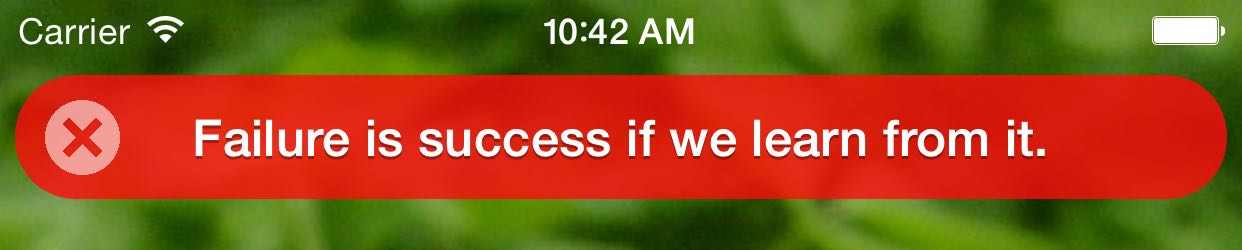
自定义动画
在消息显示之前配置栏的动画效果。请参阅动画wiki页面获取更多信息。
// Use existing animations
view.dodo.style.bar.animationShow = DodoAnimations.rotate.show
view.dodo.style.bar.animationHide = DodoAnimations.slideRight.hide

// Turn off animation
view.dodo.style.bar.animationShow = DodoAnimations.noAnimation.show
单元测试
有时在单元测试中验证您的应用显示了哪些消息是有用的。可以通过将 DodoMock 类的实例设置到 view.dodo 属性中来实现。
有关更多详细信息,请参阅单元测试手册。
已知限制
- Dodo消息无法在
UITableViewController中显示。
从Objective-C中使用Dodo
本手册描述了如何在Objective-C应用程序中显示Dodo消息。
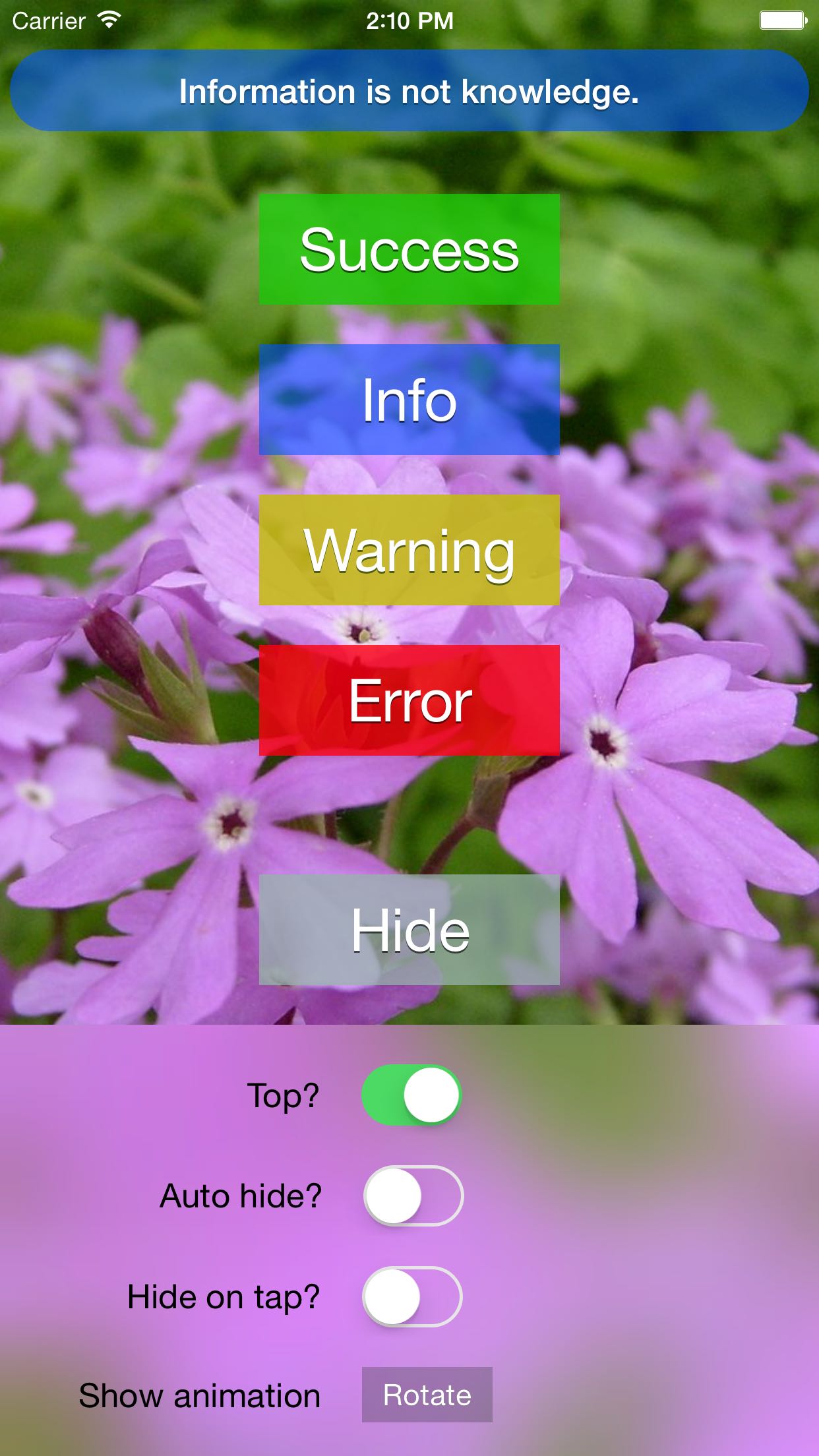
演示iOS应用
本项目包含一个演示应用。
感谢👍
- sai-prasanna为Swift 2.2更新做出贡献。
引用感谢
阿尔伯特·爱因斯坦
信息非知识。
卡尔·萨根
灭绝是规则,生存是例外。
乔治·S·巴顿
成功是你跌倒后弹多高。
亨利·戴维·梭罗
这个世界只是一个想象画布。
对美的感知是一道德考验。
乔·纳马思
当你赢的时候,什么都不会痛。
刘易斯·卡罗尔
每个人都是赢家,每个人都应该得到奖品。
马尔科姆·福布斯
如果我们能从中学习,失败就是成功。
威廉·布莱克
如果感觉之门被净化,万物对人类显现的都将如同它本来的样子,无限。
替代方案
以下是一些iOS的其它消息栏库
- cezarywojcik/CWStatusBarNotification
- frankdilo/FDStatusBarNotifierView
- jaydee3/JDStatusBarNotification
- KrauseFx/TSMessages
- peterprokop/SwiftOverlays
- terryworona/TWMessageBarManager
许可证
Dodo是以MIT许可证发布的。
•ᴥ•
这个项目献给了多粉,一种曾在毛里求斯岛上生活现已灭绝的不会飞的鸟类。